


Characteristics Plus
Products
Overview Characteristics Buy


 Characteristics
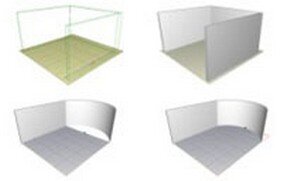 | All in 3D Build walls, insert modules, make parts of the environment. All this directly in the 3D environment. In it, you see where it is working and can switch to floor plan or front views only if you wish. | |
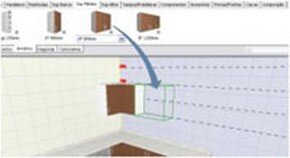 | Inserting modules To insert any object, simply drag to the environment. That way you do not need to have great knowledge to use Promob, as you visualize each module inserted in the 3D environment. | |
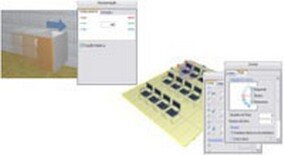 | Facilitators With lots of interactivity and totally visual, Promob offers you easy features to edit module dimensions, position handles, open doors, distribute items, calculate distances, etc. | |
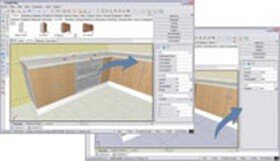 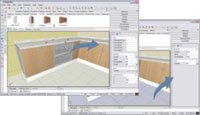 | Smart Interface The entire screen changes depending on what is selected, so Promob shows on the screen only the features and properties that you can use for that selected item. In addition to simplifying access to resources, you always do everything on the main screen of the program. | |